



AI Act and websites: discover what changes for freelancers and SMEs that use AI for text content, e-commerce and chatbox, with examples and a handy checklist.

Discover how to create a website for a gym or personal trainer in 5 steps: domain, responsive design, content, online bookings, and Local SEO.

Find out how to set up website monitoring with WebSite X5: Google Analytics 4, Tag Manager, Search Console, conversions, performance, and useful data to help your website grow

Discover what website structure is, the elements it includes, and how to design it for better navigation, SEO, and user experience.
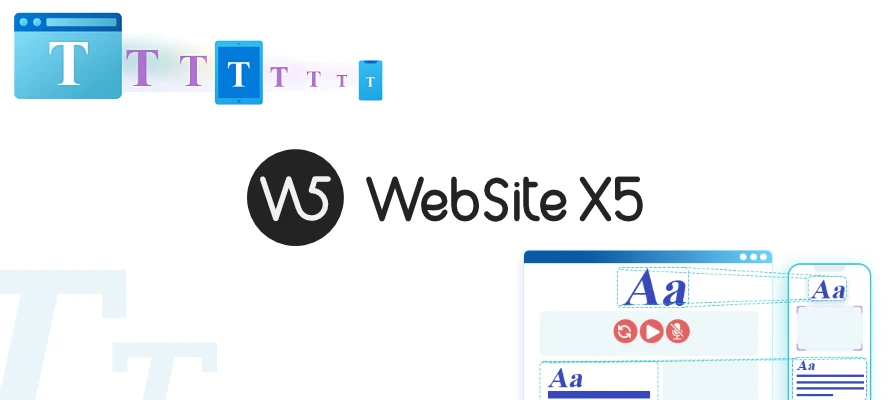
Text that is too small, line spacing that is too wide, unbalanced margins: these are all details that can negatively affect websites on mobile. WebSite X5 automatically optimizes them.

Find out how to sell handicrafts online: strategies, sales channels, and tips to turn your creations into a sustainable, well-organized online business.

Domain and hosting aren’t the same. Learn the key differences, how they work, and how to know what you’re renewing. A simple guide for website administrators.
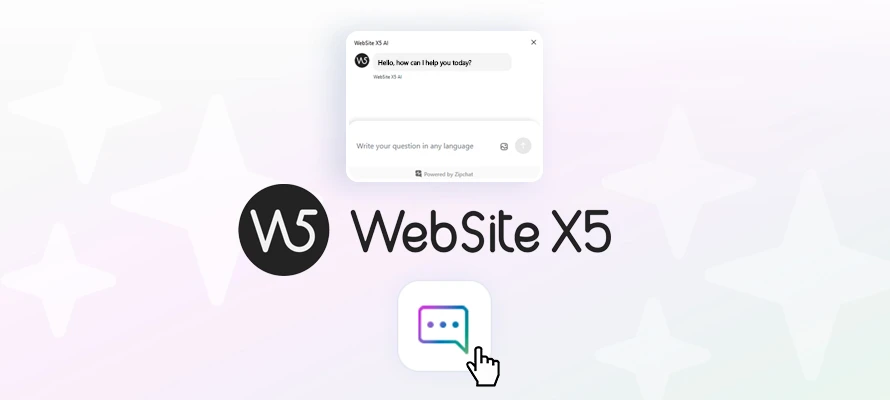
WebSite X5 integrates an AI assistant that provides instant answers directly in the interface, helping you work without interruptions.
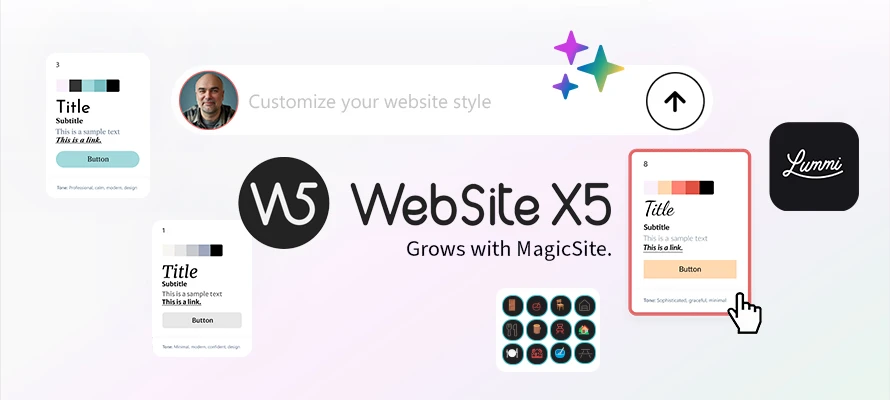
Optimizing an AI assistant doesn’t mean telling it exactly what to do, but providing it with the criteria and tools it needs to make the best decisions.

Looking for an alternative to Squarespace? Let’s compare Squarespace and WebSite X5 to better understand the real differences in costs, ease of use and freedom of publishing.